 Signato
You find the shade that suited her again.
In a note you write down the brand and shade of the product. When a client wants the same makeup, you don’t have to guess which lipstick you used.
Photos and notes for salons and studios
In Signato you keep an online record for every client. You save photos and notes from her visits, and the shade or method you used. At the next appointment you open it and know what to pick up from.
Signato brings together client records, questionnaires, booking and informed consent. You can also use the records without booking.
No payment card needed. After the trial nothing is charged automatically.

Do clients come back to you for another treatment, a touch-up or makeup? Under each name you keep what you will need next time too.
What the records make easier
For each client you note what you used, how the service went and what you agreed. Photos add the details that are hard to put into words.
In a note you write down the brand and shade of the product. When a client wants the same makeup, you don’t have to guess which lipstick you used.
You open the photo taken after the procedure and after healing. You have something to compare the current state with, and you can go over the agreed adjustments.
A client gets in touch about the result? You look at the notes, photos and what you agreed, even if months have passed since the visit.
The history of a particular client
Switch between visits, notes and photos in the preview. This is how you can keep everything about a client together.
An example of a history
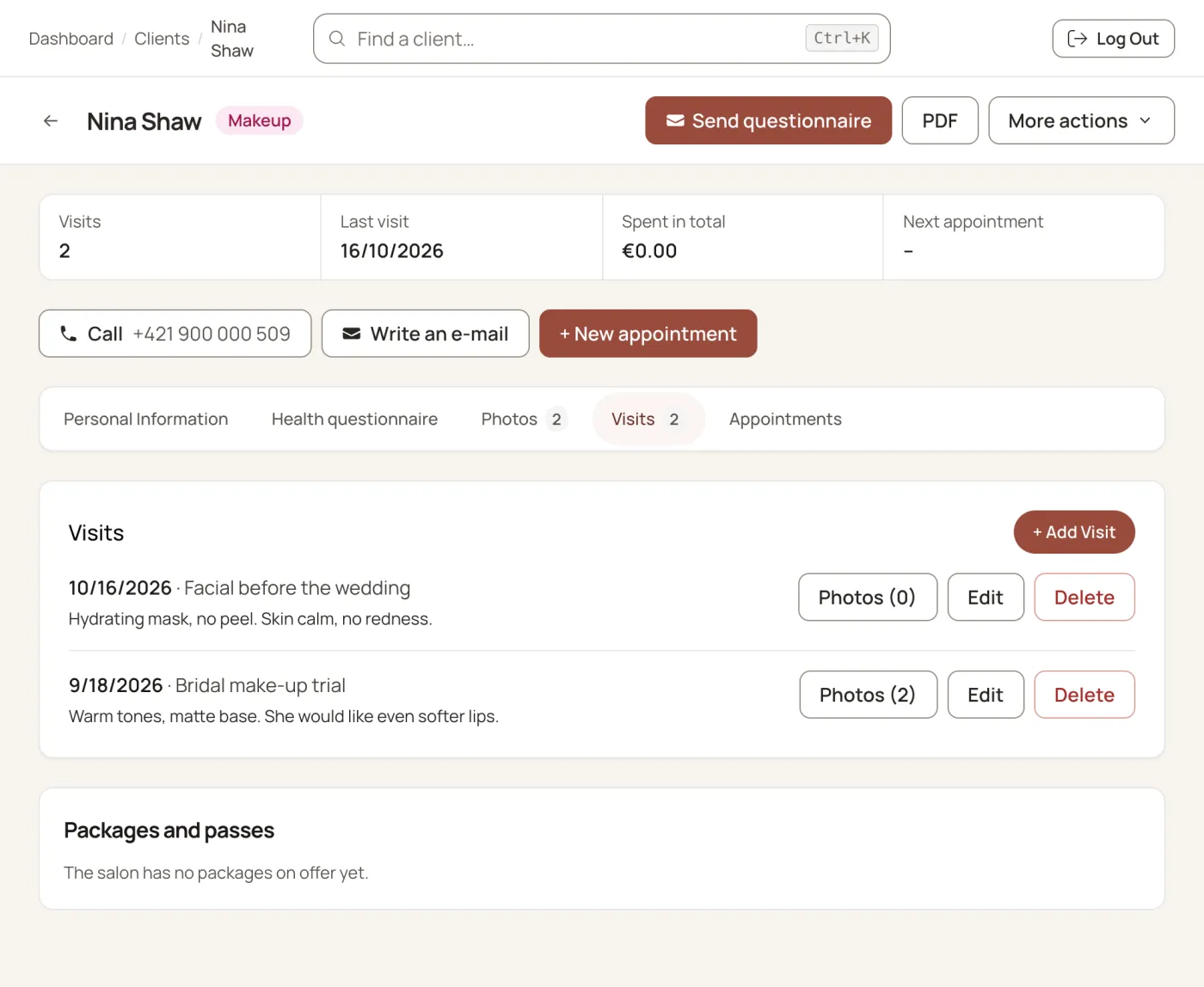
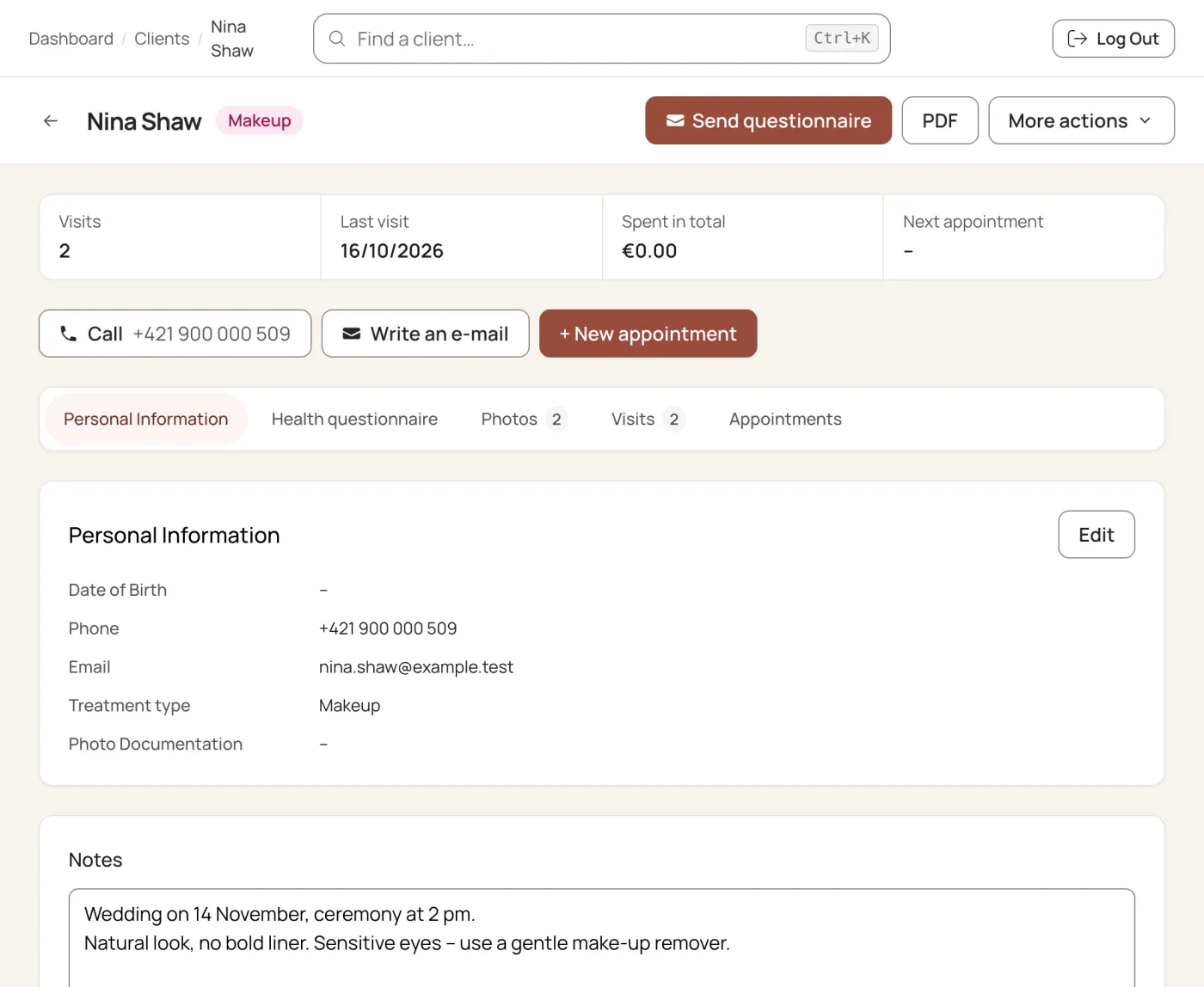
An example of your own note
An example of a photo in a client record
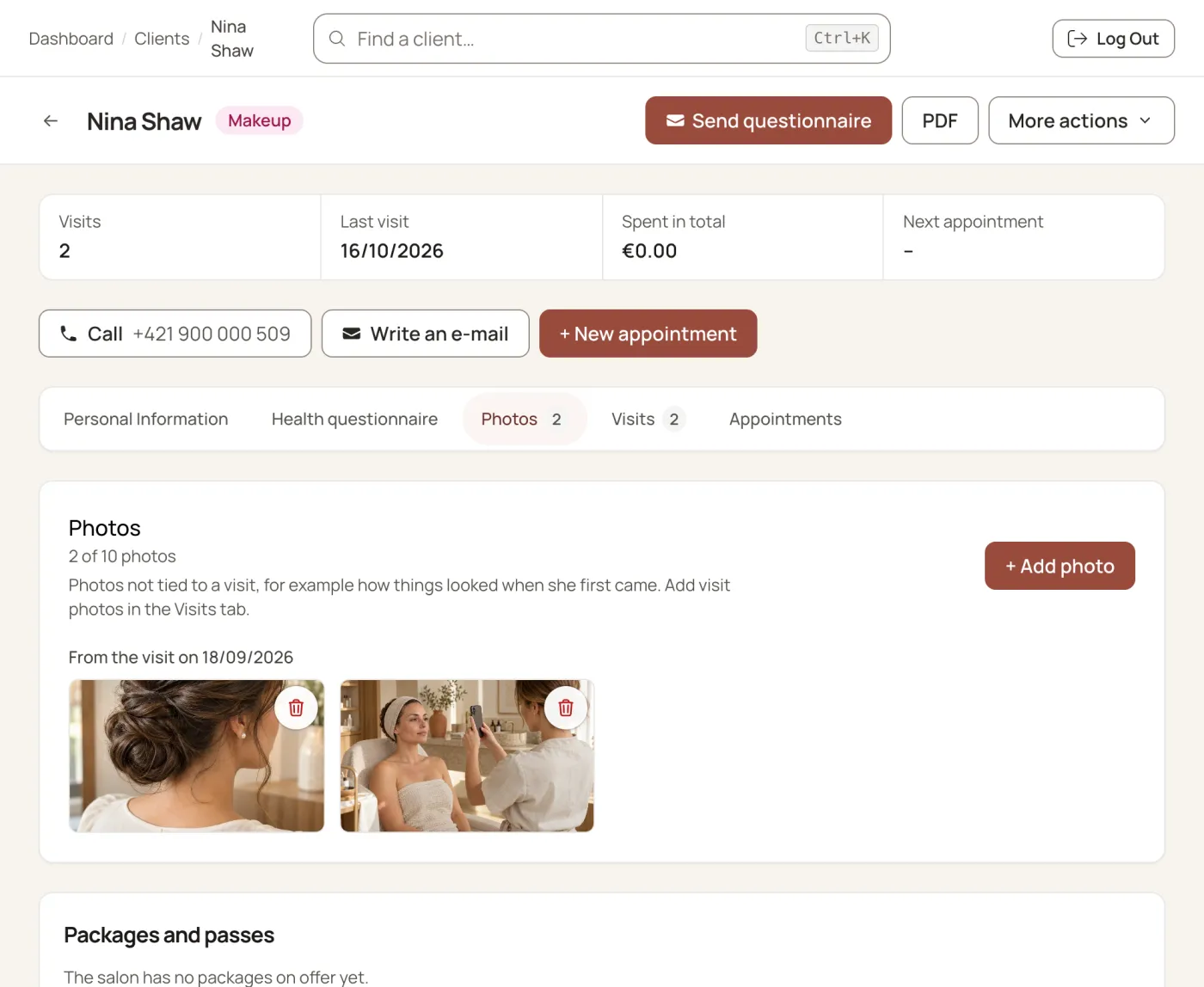
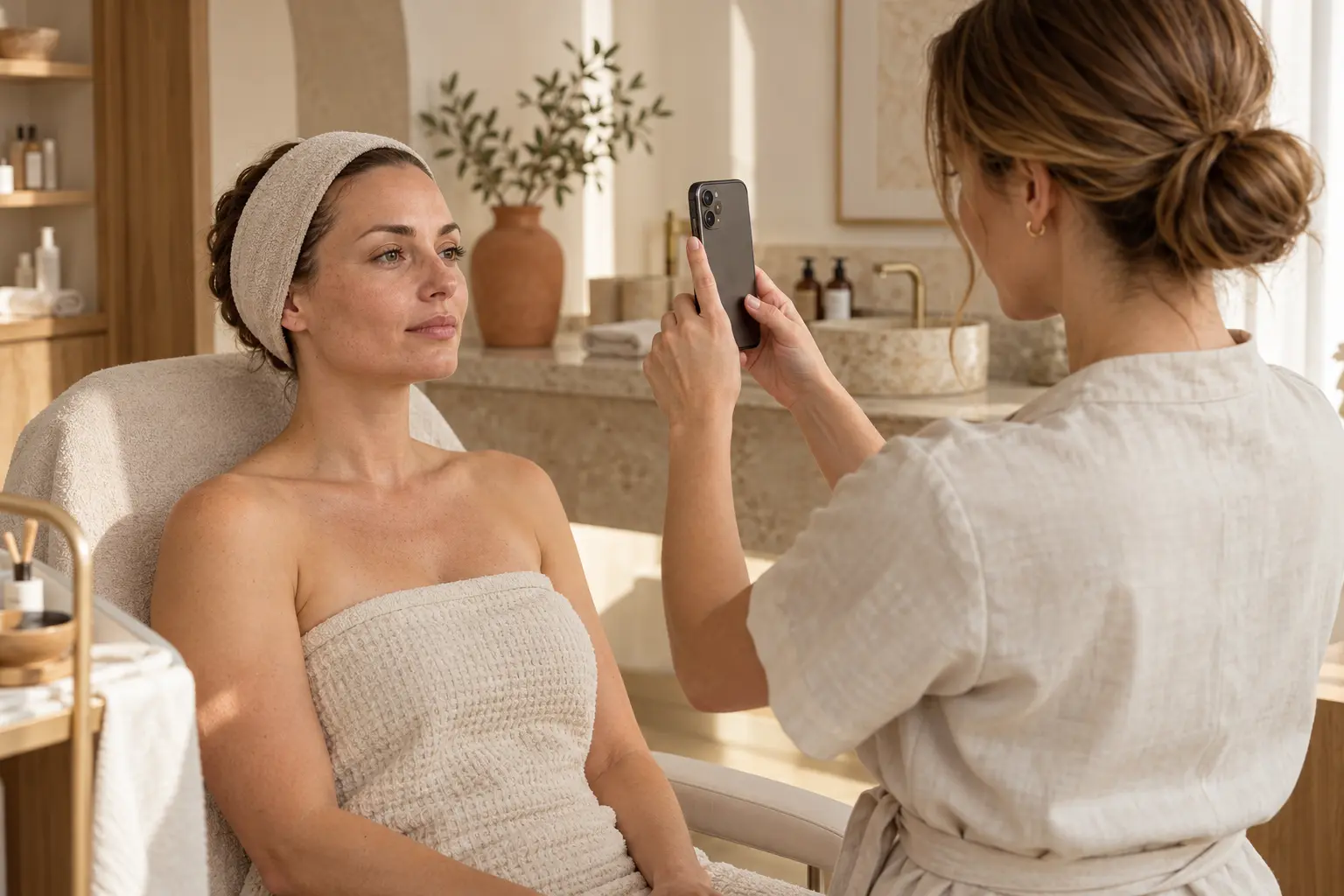
Photo documentation of visits
You save photos in the client record. You don’t have to search for them among the private photos on your phone.
In a note you put the date, the treatment and what you want to check at the next visit. Later you know which procedure the record refers to.
For a hairstyle or makeup you photograph the result of the trial. On the wedding day you go back to the photo and to the adjustments you agreed.
Notes to suit your work
You write a note in your own words. You keep the details you need for your service.
The products used, how the treatment went, the skin’s reaction and the recommended home care.
The brand, shade and batch of the pigment, the technique, healing and the adjustments agreed for the touch-up.
Products and shades, the shape of the hairstyle, where the veil sits and the changes agreed at the trial.
The design, placement, how the session went, the colours used and the plan for the next meeting.
If you use questionnaires, you can go back to what your client wrote before the visit. With the Consent and Professional plans you also keep her digitally signed consent to the treatment.
In the salon and outside it
You log in to Signato on a phone, tablet or computer. If you need a copy of a record, you save the client’s record to your computer.
With the Professional plan you get up to 5 user accounts. A colleague with read-only access doesn’t see the internal notes on appointments.
You reach the documents through your salon’s account. Signato stores data and backups on servers in the EU and encrypts the text of notes.
How Signato protects dataYes. For notes, photos and questionnaires the Questionnaire plan is enough. You can carry on agreeing appointments as you do now. Online booking and digital signatures come with the Consent or Professional plan.
Signato doesn’t limit the number of clients. For photos you have 1, 5 or 10 GB depending on the plan. How many photos fit depends on the file sizes.
No. You open Signato in a web browser on a phone, tablet or computer. You need an internet connection to work with it.
Saving a photo in a record doesn’t in itself mean consent to publish it. If you want to use it in your portfolio or on social media, ask your client for separate consent. Tell her where and for what you will use the photo.
If you want to carry on, you activate a subscription. During the trial you don’t enter a payment card and nothing is charged automatically. If you don’t want to carry on, export the documents you need before the trial ends. Terms of service
Start with one record
Create an account and try a client record. Add a note and a photo to see how you will keep your records.
What else you can handle in Signato